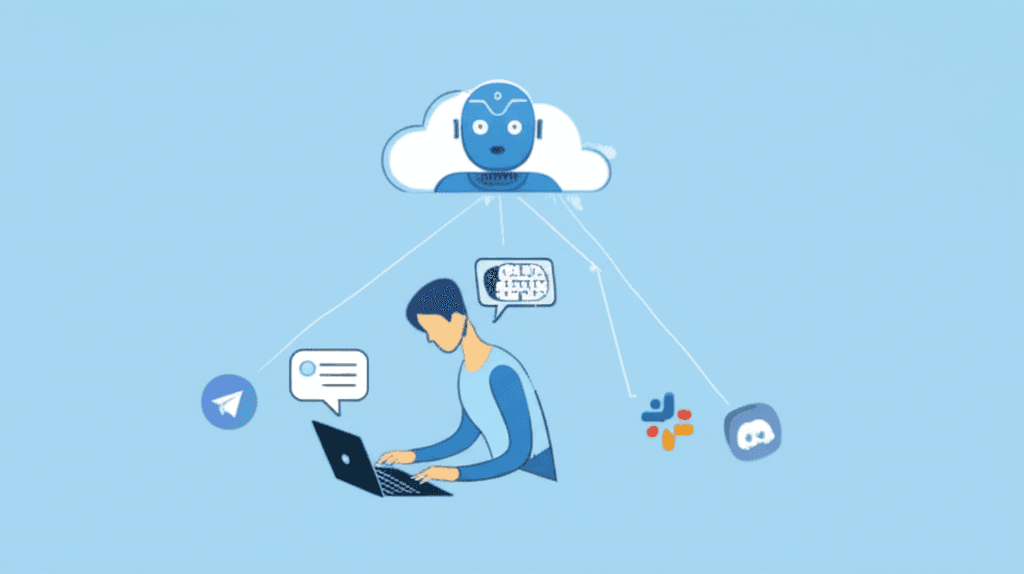
If you've heard of OpenClaw, you've probably also encountered descriptions like: "an open-source AI agent framework built on a multi-modal architecture with plugin-based skill extension."
That's not helpful for most people.
Here's a different explanation.
What OpenClaw Actually Is
OpenClaw is software that lets you run an AI assistant — like ChatGPT — but:
- You control it. The conversations stay on your server, not a third party's.
- It connects to your tools. Telegram, Slack, Discord, email, and more.
- It can do things, not just answer questions. Search the web, read documents, send messages, look up data.
- You can extend it. A library of add-ons ("skills") lets it do specialized tasks.
Think of it as hiring an AI employee — except you own the infrastructure it runs on, and you can customize what it knows and what it can do.
Why 188,000 Developers Star It on GitHub
OpenClaw's GitHub page has been starred nearly 200,000 times. That's unusual. Most developer tools get a few thousand. The ones that get to six figures solve a problem that really matters.
OpenClaw's problem: most AI assistants are someone else's product. They have terms of service, usage limits, pricing you don't control, and data policies you're trusting someone else to honor.
OpenClaw says: run the same quality of AI, but own the whole thing.
What Can OpenClaw Actually Do?
This depends on what skills you install, but the most common use cases:
Customer support assistant Connects to your Telegram or WhatsApp. Answers common customer questions based on your documentation. Escalates to a human when it doesn't know the answer.
Internal team assistant Lives in your Slack workspace. Answers questions about company policy, searches internal documents, summarizes meeting notes.
Research and briefing bot Given a topic or company name, it searches the web, reads recent articles, and produces a structured briefing. Useful for sales teams before calls.
Content workflow assistant Drafts social posts, blog outlines, or email copy based on a brief. Reviews drafts for tone. Not a replacement for human writers, but a useful first-pass tool.
Connects to calendar APIs and CRM data to answer questions like "what meetings do I have this week that involve Enterprise clients?"