OpenClaw for Shopify: Replace Your Customer Service Stack With One AI Agent
E-commerceShopifyCustomer Service·2 min read
OpenClaw for Shopify: Replace Your Customer Service Stack With One AI Agent
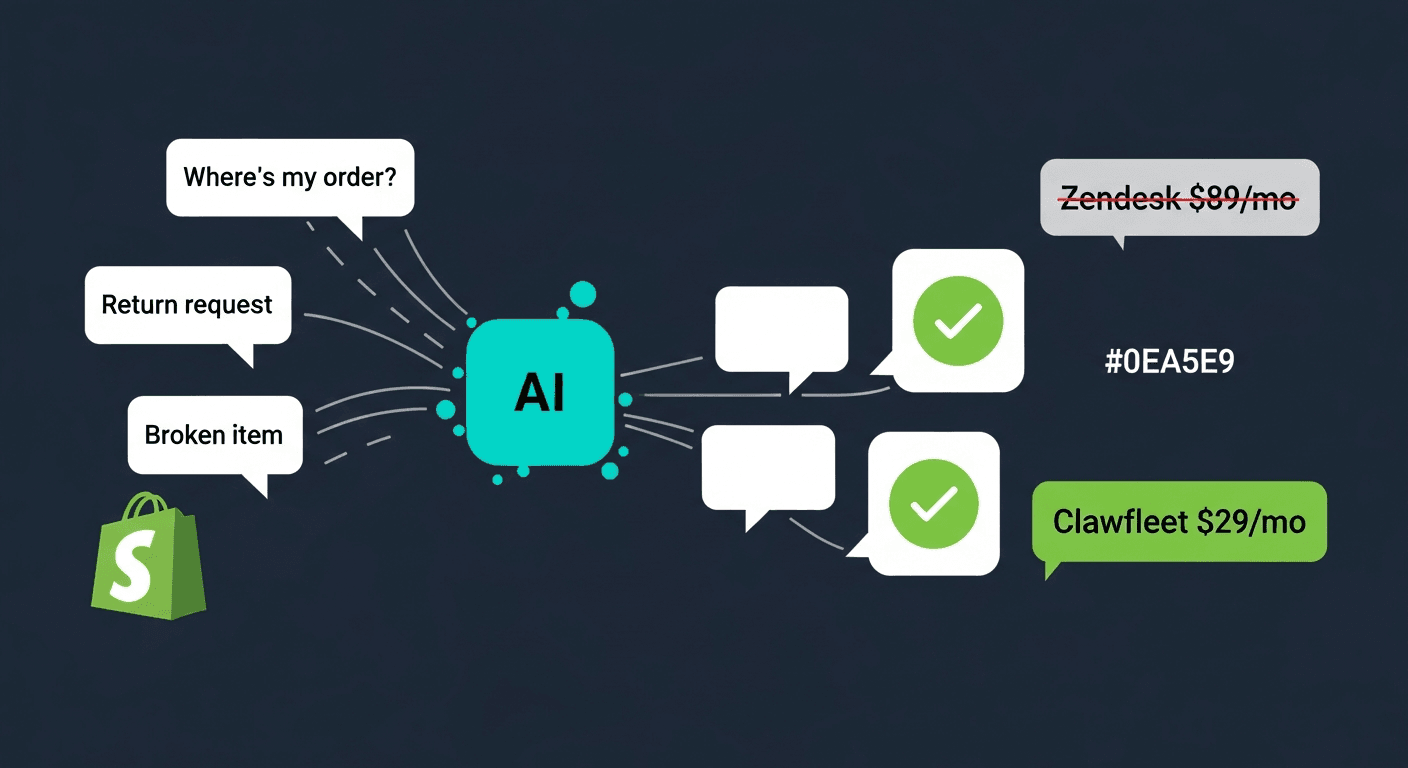
Most e-commerce customer service tickets are repetitive. Here's the exact 3-agent OpenClaw setup that handles order tracking, returns, and FAQs automatically — and costs less than one Zendesk seat.
There is a specific kind of Shopify store owner who eventually automates their customer service. They run a high-volume store. They have a customer service team — or they ARE the customer service team — burning through Zendesk seats. And 80% of the tickets they are paying to answer, whether with their own time or someone else's, are some variation of: "Where is my order?"
That is not a customer service problem. That is an automation problem.
OpenClaw AI agents can connect to Shopify's Admin API, pull real-time order data, and respond to customers through email, Telegram, or WhatsApp — in under 3 seconds, around the clock, without a support seat. OpenClaw ecommerce automation turns the most repetitive part of running a store into something that runs itself.
This article covers the exact setup: the 3-agent system, the Shopify API integration, the system prompts, and the cost math compared to Zendesk and Gorgias.
The E-Commerce Support Problem
A mid-size Shopify brand doing $2M–$10M annually typically receives 200–500 support tickets per month. A large brand or multi-store portfolio can see 2,000–5,000.
The breakdown is remarkably consistent across the industry:
78%of e-commerce support tickets are 'where is my order?'AI can handle these in under 3 seconds — no human required
The remaining tickets break down roughly like this:
Return and refund requests: 10–15% (process-driven, highly automatable)
Product questions: 5–8% (answerable from product catalog data)
Actual edge cases (damaged items, fraud, complex disputes): 5–8%
That last category — the genuine edge cases — is the only category that requires a human. Everything else is a lookup and a templated response.
The irony is that most e-commerce businesses are paying Zendesk or Gorgias rates for all of it.
What OpenClaw Can (and Cannot) Handle
Being honest about agent limitations is more useful than overselling.
OpenClaw agents handle well:
Order status lookups via Shopify Admin API
Estimated delivery date calculations
Standard return eligibility checks (order date, policy window, item category)
Initiation of return label requests
Product availability and variant questions
FAQ responses (shipping times, policies, sizing)
Routing to human agents with full context
OpenClaw agents should not handle:
Share:
Fraud disputes and chargebacks (legal and financial risk)
Situations where a customer is threatening escalation or legal action
Cases requiring discretionary judgment (partial refunds, goodwill gestures beyond your defined policy)
Anything involving PII you are not comfortable routing through an LLM provider
The escalation path matters as much as the automation. Build a clear handoff — agent to human — and define it explicitly in the system prompt.
The most effective OpenClaw customer service setup for Shopify is three specialized agents rather than one generalist bot. Each handles a distinct problem domain.
Agent 1: Support Router
This is the front-line agent. Every customer message comes here first. Its only job is to understand intent and route — it does not try to resolve anything itself.
Why a dedicated router? It keeps the other agents' system prompts clean and focused. A single agent trying to handle all three domains either gets confused or requires a very long, fragile system prompt.
Channel: Email or WhatsApp (wherever your customers contact you) Model: Claude 3.5 Haiku (fast, low cost — routing decisions do not need a powerful model)
System prompt:
You are the first point of contact for [Store Name] customer service.

Your ONLY job is to understand what the customer needs and respond appropriately.

Rules:
1. If the customer is asking about an order (where it is, when it arrives, tracking) — collect their order number and email, then say: "I'm checking on your order right now — one moment."
2. If the customer wants to return or exchange an item — collect their order number and say: "Let me pull up your order and check your return eligibility."
3. If the customer has a product question — answer it using the FAQ below, or say you'll check.
4. If the customer is upset, threatening escalation, or has a fraud-related issue — say: "I'm connecting you with a member of our team who can help with this directly. You'll hear from us within [X hours]."

Never make promises about outcomes. Never authorize refunds. Never discuss amounts.

[Paste store FAQ and return policy here]
Agent 2: Order Tracker
This agent connects to your Shopify Admin API and retrieves real order data. It handles the "where is my order?" volume — the 78% of tickets that require nothing more than a lookup. This is the core of any openclaw shopify integration: real data, real-time, no human in the loop.
Model: Claude 3.5 Sonnet (needs to reason about delivery windows, carrier delays, and communicate clearly)
Shopify API integration:
You need a Shopify Admin API access token with read_orders scope. In your OpenClaw instance configuration, add a custom skill or use the HTTP request tool with:
You are an order tracking assistant for [Store Name].

When a customer gives you their order number and/or email:
1. Look up their order using the Shopify API tool
2. Find the current fulfillment status and tracking number
3. Give them a clear, friendly update

Response format:
- Status (Unfulfilled / Fulfilled / Partially Fulfilled / Delivered)
- Tracking number and carrier link if available
- Estimated delivery window if available
- What to do if tracking shows no movement for 5+ days (contact us at [email])

Tone: Friendly, direct, no corporate filler. No "I apologize for the inconvenience."

If the order cannot be found: "I wasn't able to find that order. Can you double-check the order number? It usually starts with #[your prefix]."
Agent 3: Returns Processor
This agent handles return and exchange requests according to your exact policy. It does not approve or deny with discretion — it applies the rules.
Model: Claude 3.5 Sonnet
System prompt:
You are the returns assistant for [Store Name].

Return policy:
- Items can be returned within [X] days of delivery
- Items must be unused and in original packaging
- [List any exclusions: final sale, digital items, etc.]
- Exchanges are available for size/variant changes on the same item

When a customer requests a return:
1. Confirm order number and item(s) they want to return
2. Check if the order is within the return window
3. If eligible: "Your return is approved. I'll send a prepaid return label to [email] within 10 minutes."
4. If not eligible: "Unfortunately, this order is outside our [X]-day return window. Here's what I can offer instead: [alternative, e.g., store credit, discount code]."

Do NOT approve returns on items listed as final sale.
Do NOT offer refunds greater than the original purchase amount.
If a customer pushes back after a denial, say: "I understand that's frustrating. Let me connect you with our team for a second look." Then escalate.

After processing an approved return, notify the store operations email: [your ops email]
✅
Build the escalation path first
Before you configure anything else, decide exactly what happens when a customer says "I want to speak to a human." Map out who gets notified, through what channel, and with what context from the conversation. An agent that cannot escalate cleanly is worse than no agent at all.
Shopify API Integration Setup
Step 1: Create a Custom App in Shopify
Go to your Shopify admin → Settings → Apps and sales channels → Develop apps → Create an app. Name it "OpenClaw Support Integration."
Under API scopes, enable:
read_orders
read_customers
read_fulfillments
For returns processing, additionally enable:
write_returns (if using Shopify Returns API)
Install the app and copy the Admin API access token.
Step 2: Configure the OpenClaw Agent
In your Clawfleet instance settings, add the Shopify API credentials as a secret (not in the system prompt — never paste API keys into prompts). Use the secrets manager to store:
SHOPIFY_STORE_DOMAIN
SHOPIFY_ACCESS_TOKEN
Reference them in your HTTP skill configuration.
Step 3: Test with Real Order Data
Before going live, test with 10 real order numbers across different statuses: unfulfilled, in transit, delivered, and returned. Verify the agent reads and presents each correctly.
⚠️
Test your return eligibility logic
Returns are where customer trust is built or broken. Walk through 5 edge cases before launch: orders right at the policy boundary, items in excluded categories, and customers who have already exchanged once. Make sure the agent applies your policy correctly every time.
Channel Setup
Email (recommended for primary channel)
Most Shopify customers default to email for support. Connect your support inbox (support@yourdomain.com) to the OpenClaw agent using the email channel integration. The agent reads incoming messages, processes them, and responds from the same address.
Set your email auto-reply to mention the AI agent: "Our support assistant will respond to most questions within 3 minutes. For complex issues, a team member will follow up within [timeframe]."
WhatsApp or Telegram (recommended for high-intent customers)
Add a WhatsApp or Telegram link in your post-purchase email flow: "Need help with your order? Message us on WhatsApp." Customers who proactively reach out this way tend to be higher LTV — the faster response through a messaging channel significantly improves their experience.
Not recommended: live chat widget on storefront
Live chat creates an expectation of instant human response. If your agent occasionally takes 30 seconds to respond or needs to escalate, customers on live chat become frustrated faster than on email or messaging channels.
System Prompt Engineering for E-Commerce
Beyond the specific agent prompts above, three principles apply across all e-commerce support agents.
1. Give the agent your exact return policy, verbatim. Do not paraphrase or summarize. Paste the policy text exactly as it appears on your site. Ambiguity in the system prompt becomes inconsistent responses to customers.
2. Define tone with examples, not adjectives. "Be friendly" is useless. "Do not say 'I apologize for the inconvenience' — instead say 'That's frustrating, let me fix this'" is specific and trainable.
3. Set hard stops. Explicitly list things the agent must never do: offer refunds beyond policy, make promises about delivery dates it cannot verify, discuss competitor pricing. Hard stops in the system prompt prevent the LLM from being creative in ways that cost you money.
Example tone guidance section:
Tone rules:
- Use plain language. No corporate phrases ("at your earliest convenience," "please be advised").
- Be direct. Tell customers what's happening and what comes next.
- Do not over-apologize. Acknowledge the issue once, then move to the solution.
- Match the customer's energy slightly. If they're casual, be casual. If they're frustrated, be calm and focused.
- Never argue. If you cannot help, escalate.
3 secondsaverage response time for order status queries with OpenClaw + Shopify APICompared to 4–12 hour average email response time for human support teams
Cost Comparison
The clearest way to see the value: stack up what you're spending on customer service against what it could cost. The comparison is uncomfortable once you see it.
Platform
Cost
What You Get
Zendesk Support Team
$89/agent/month
Ticketing, macros, reporting. Human agents still required.
Zendesk Suite
$115/agent/month
+ AI features, omnichannel. Still requires agents.
Gorgias
$10 per 100 tickets
Cheap at low volume, expensive at scale (500 tickets = $50, 2,000 tickets = $200)
Handles the same volume as 1–2 human agents for routine tickets
The math changes when you realize you're not choosing between "AI" and "human support." You're choosing between paying humans to answer "Where is my order?" 200 times per month, or having an agent handle those 200 tickets so your human can handle the 40 that actually need judgment.
The real comparison:
A single human support agent handling 500 tickets/month at $18/hour for 4 hours/day costs approximately $1,400–$2,000/month in labor, not counting Zendesk or Gorgias seats.
An OpenClaw 3-agent system on Clawfleet handling the same 500 tickets/month (assuming 80% automation rate, 20% escalated to human review) costs roughly $40–$80/month in LLM API costs plus Clawfleet hosting.
That is not a rounding error. That is a structural cost difference.
Human agents remain necessary — for the 20% of tickets that require judgment, empathy, and discretion. But the math shifts from "we need 3 FTE support agents" to "we need one part-time agent to review escalations and handle edge cases."
Run the math on your support volume
Most Shopify stores automate 70-80% of tickets. First month $1.
Order has been marked delivered but customer says they never received it (carrier dispute territory)
Return or refund amount exceeds a threshold you define (e.g., orders over $500)
Customer has contacted more than twice in the same week about the same issue
The agent is not confident in its response (instruct it to say so rather than guess)
Build the escalation notification properly. When an agent escalates, it should:
Tell the customer a human will follow up within X hours
Send a notification to your team (email, Slack, or your helpdesk) with: customer name, order number, conversation summary, reason for escalation
Not close the ticket — leave it for human pickup
✅
Measure your escalation rate
Your escalation rate tells you where your system prompt needs work. If 40% of order status queries are escalating, the agent is not finding order data reliably. If 30% of return requests are escalating, your policy language is ambiguous. Target under 15% escalation rate for order tracking and under 25% for returns in the first month.
[ ] Test FAQ responses on your 10 most common questions
[ ] Verify escalation notifications reach the right people
Week 1, Days 6–7: Soft Launch
[ ] Enable for 10–20% of incoming tickets (if your email provider supports routing rules)
[ ] Monitor responses manually for the first 48 hours
[ ] Adjust system prompts based on anything that comes back wrong
[ ] Full rollout after 48-hour monitoring period
Ongoing:
[ ] Review escalation rate weekly for first month
[ ] Update FAQ content when new questions appear repeatedly
[ ] Check Clawfleet cost alerts — set a budget cap to prevent runaway API spend
E-commerce support is the clearest ROI case for AI agents. The ticket volume is high, the query types are repetitive, and the Shopify API gives the agent access to real data. The openclaw ecommerce automation setup described here handles the work of one to two full-time support staff for a fraction of the cost — while escalating the cases that actually need human judgment.
The stores that get this right do not eliminate their support team. They redirect it. The human team stops answering "where is my order?" at 11pm and starts handling the customers who need genuine help.
Deploy your Shopify support agent
Three agents. One dashboard. First month $1. No Zendesk seat required.