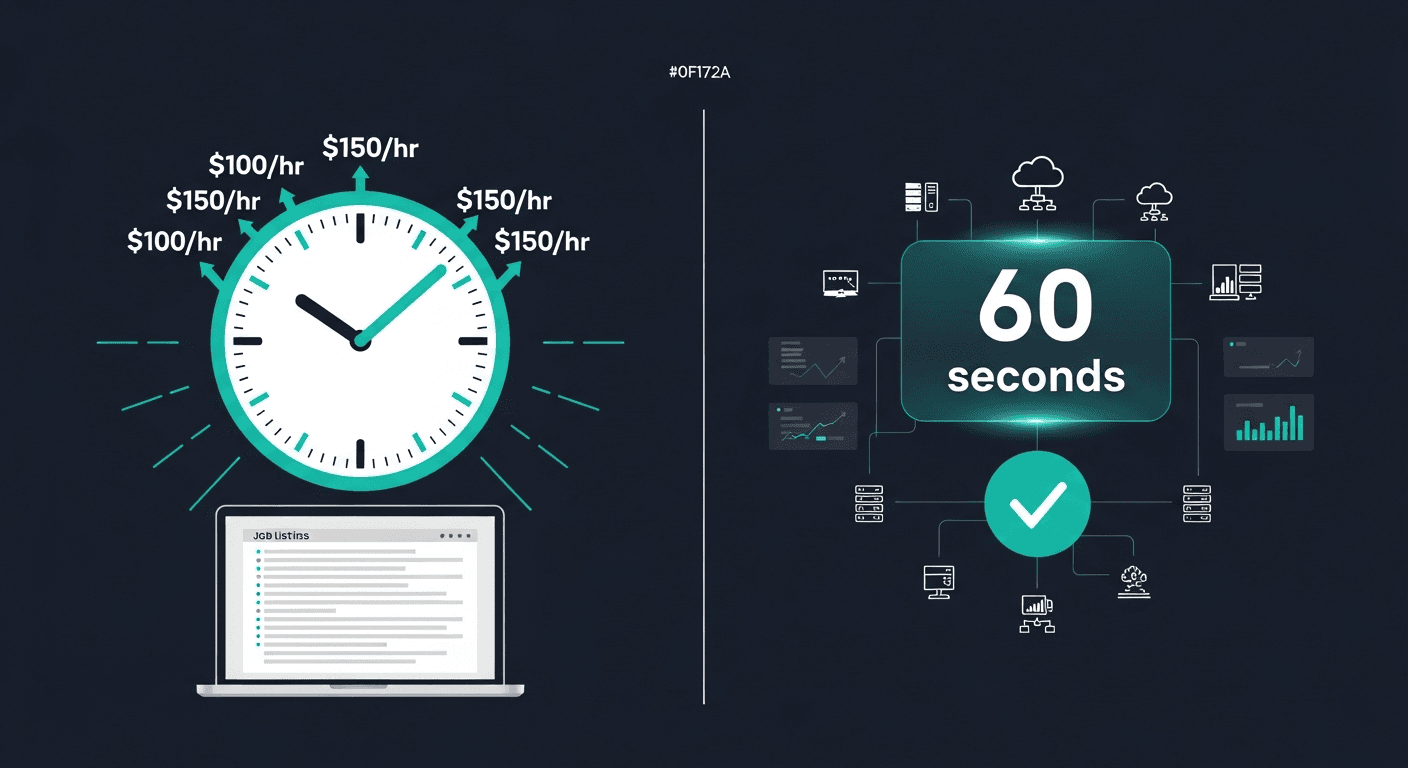
Stop Paying $75/hr to Set Up OpenClaw — Deploy It Yourself in 10 Minutes
Getting StartedAgencySelf-hosting·2 min read
Stop Paying $75/hr to Set Up OpenClaw — Deploy It Yourself in 10 Minutes
Most OpenClaw setup costs aren't about expertise — they're infrastructure complexity you shouldn't have to pay for. Here's what contractors are actually doing, and how to skip it entirely.
Fifty job listings. That's what active OpenClaw job listings existed across AI automation platforms on March 9, 2026. We went through every single one.
Half of them — 26 out of 50 — are businesses paying someone to do the same thing: download software, run a few commands, and get OpenClaw running on their server. That's it. No custom AI development. No proprietary integrations. Just setup.
The going rate? $35 to $250 per hour.
This isn't a knock on the freelancers doing this work. The infrastructure complexity is real. But the complexity is infrastructure complexity — Docker networking, reverse proxies, VPS configurations, SSL certificates — not AI complexity. You're not paying for intelligence. You're paying for patience with Linux.
If you've been searching for an "openclaw setup service" or "openclaw managed hosting" solution, there's a better way — and it takes about 10 minutes.
What We Actually Found
The 50 listings broke down roughly like this:
26of OpenClaw job postings are purely setup and install — no custom dev requiredThese jobs require no custom development — just getting OpenClaw running on a server or Mac Mini.
The remaining jobs were mostly about integrations (WhatsApp, Gmail, CRM connections) and ongoing consulting, but even those often started with "we need it set up first."
The job titles were almost comically specific in what they were asking for:
"OpenClaw Setup Specialist"
"OpenClaw Remote Setup — Mac Mini"
"OpenClaw Expert Needed (Has to have done this before)"
"OpenClaw Setup + WhatsApp Integration"
That parenthetical — "has to have done this before" — kept showing up. Clients aren't asking for someone to figure it out. They're asking for someone to execute a known process they don't want to touch themselves.
Here are some paraphrased examples of what was in those listings:
"Looking for someone who has successfully deployed OpenClaw in a production environment. Not looking for someone to experiment. Budget is $500 fixed. Needs to be done this week."
"We run a real estate team and want to use OpenClaw for our Telegram and WhatsApp follow-ups. Need someone to set it up on our server. Ongoing support rate of $75/hr after initial setup."
"I have a Mac Mini sitting in my office. I want OpenClaw running on it. I've tried twice and can't get Docker working properly. Please just make it work."
That last one is representative of a huge chunk of these jobs. The Mac Mini is practically a meme at this point in the OpenClaw community. It's a perfectly capable machine for running an OpenClaw instance — but getting Docker, the database, and the reverse proxy all playing nicely together on macOS is a weekend you don't want to spend.
Share:
What You're Actually Paying For: A Breakdown
When you hire someone to set up OpenClaw, here's what they're actually doing — step by step:
1. Provision a server or configure your machine
If you're going with a VPS, they're spinning up a Hetzner or DigitalOcean droplet and getting it configured. If you're on a Mac Mini, they're dealing with macOS-specific quirks. This alone can take 30–60 minutes if anything goes sideways.
2. Install and configure Docker
OpenClaw runs in Docker. Docker is not hard once you know it, but the first-time setup — especially on macOS — has friction. Version conflicts, permissions issues, Compose file formatting, resource limits. The freelancer has done this 20 times. You haven't.
3. Clone the repo and configure environment variables
OpenClaw has a config file with API keys, database connection strings, channel tokens, and model provider settings. Getting all of this right the first time without a guide is genuinely annoying. Getting it wrong silently (where things appear to work but aren't) is worse.
4. Set up a reverse proxy and SSL
If you want OpenClaw accessible via a real domain (you do), you need nginx or Traefik, a domain pointed at your server, and a valid SSL certificate. Certbot makes this manageable, but it's another layer.
5. Connect your channels
WhatsApp Business API credentials, Telegram bot tokens, Gmail OAuth — each channel has its own setup flow with its own documentation and its own failure modes.
6. Test, debug, test again
Something won't work the first time. The freelancer knows what to look for. The 2am forum post you'd write doesn't.
⚠️
The hidden cost nobody talks about
The contractor invoice is the visible part. The hidden cost is the back-and-forth: explaining your setup, timezone delays, the second job posting when the first person disappears mid-project. Fixed-price jobs for "simple" OpenClaw setup routinely turn into scope disputes.
The Real Numbers: What This Costs
Here's a realistic cost table based on the job listings we reviewed:
Scenario
Contractor Cost
Time to live
Basic VPS setup (no channels)
$150–$400 fixed
3–7 days
Setup + WhatsApp integration
$400–$800 fixed
5–14 days
Setup + Gmail + CRM
$600–$1,200 fixed
1–3 weeks
Ongoing consultant ($250/hr)
$1,000+/month
Ongoing dependency
Mac Mini to cloud migration
$300–$600 fixed
3–10 days
Clawfleet (1 instance)
$1 first month
Under 10 minutes
One listing we found was a real estate company paying $250/hr for an "OpenClaw ongoing consultant." Their description specified they needed someone available for quick questions about configuration and occasional restarts. They were paying consulting rates for sysadmin work.
$75median contractor rate to set up OpenClawRates ranged from $35/hr for basic installs up to $250/hr for 'senior OpenClaw consultants' doing the same tasks.
Why the Complexity Exists (and Why It Doesn't Have To)
OpenClaw is open-source infrastructure software. It's designed to be self-hosted, which means it's designed to run on your server, with your configuration, connected to your channels and model providers. That flexibility is a feature — it's why OpenClaw works in so many different environments.
But flexibility has a cost. When something can be configured 50 different ways, someone has to choose. When it runs on your server, your server has to be set up correctly. When it breaks at 11pm on a Tuesday, you need to know where the logs are.
None of that is OpenClaw's fault. It's just the nature of self-hosted infrastructure software.
💡
OpenClaw vs. managed OpenClaw
OpenClaw the software is free. Running it reliably — with backups, monitoring, uptime guarantees, and easy updates — is the hard part. That's what managed hosting solves, and it's why the contractor market for this work exists at all.
The contractors doing this work aren't ripping anyone off. They've genuinely invested time learning this stack. But that expertise exists to solve a problem that shouldn't exist for most users.
Clawfleet is managed cloud hosting for OpenClaw. You create an account, click deploy, and get a fully configured OpenClaw instance running on our infrastructure — same software, same features, none of the setup.
Here's what that actually means:
Provisioning is automatic. We spin up a dedicated instance for you. No VPS to configure, no Docker to install, no Compose file to debug.
Configuration is through a UI. You pick your model provider (OpenAI, Anthropic, Gemini, local models), connect your channels, and set your system prompt — all from a dashboard. No environment variables to hand-edit.
SSL and networking are handled. Your instance gets a *.clawfleet.host domain with a valid SSL cert, automatically. Traefik, Cloudflare, Let's Encrypt — all configured, none of your business.
Monitoring is built in. CPU, memory, uptime, cost tracking per instance. If your instance goes down, you'll know before your users tell you.
Backups run automatically. Daily backups to cloud storage. One-click restore. The kind of thing that makes a $300 setup job look like a liability instead of an asset.
Updates are managed. When OpenClaw releases a new version, you click update. No re-running install scripts, no migration headaches.
✅
Coming from a Mac Mini?
If you're one of the many people running OpenClaw on a Mac Mini in your office and looking to move it somewhere more reliable, migration is straightforward. Export your config and session data, import it into a new Clawfleet instance. No freelancer required.
If You're an Agency or Consultant
The setup cost problem isn't just something business owners face. If you're a consultant or agency who builds OpenClaw systems for clients, you're absorbing setup time on every new engagement. Each new client means provisioning a server, configuring channels, setting up SSL, establishing monitoring.
That's billable time on non-billable work — time you're spending on infrastructure instead of on the custom workflows and integrations that actually justify your rates.
Clawfleet gives agencies a different model: deploy client instances in 60 seconds from a dashboard, manage billing per client, handle updates centrally. You charge for what you're actually good at — the strategy, the workflow design, the integration work — while Clawfleet handles the infrastructure that commoditises your time.
Build your OpenClaw agency on Clawfleet
Deploy client instances in 60 seconds. White-label dashboard. Multi-client management built in.
The Job Listings That Are Actually Worth Paying For
To be clear: not all 50 of those listings were wasted money.
About 31 of the jobs were about integrations — connecting OpenClaw to a CRM, building a custom automation workflow, setting up Gmail PubSub for inbox monitoring, writing custom skill scripts. That work is legitimately technical and legitimately valuable. If you need a custom skill that calls your proprietary API, or you need OpenClaw wired into your Salesforce workflow, that's real development work.
31of OpenClaw job listings involve genuine integration or custom workflow workThese are the jobs worth paying for — custom workflows, CRM integrations, proprietary API connections, and skill development.
The pattern we saw in the market analysis: businesses that hired for setup and then came back a second time for integrations were much happier. They'd already solved the infrastructure problem — either through Clawfleet or by eventually getting a working self-hosted setup — and were now paying for actual technical differentiation.
The businesses posting "need it set up, budget $200" were paying for table stakes. The businesses posting "we have it running, now we need it connected to our booking system" were paying for competitive advantage.
🚨
Watch out for scope creep in setup jobs
Multiple listings we reviewed started as "simple setup, $150 fixed" and had review sections mentioning the project went 3x over budget once the client realized the scope. Setup is rarely as simple as it sounds when self-hosting is involved.
The Verticals Paying the Most
The industries showing up most in those 50 listings:
Real estate: Teams wanting AI follow-up on leads via WhatsApp and Telegram. High urgency, willing to pay.
Healthcare (admin, not clinical): Appointment reminders, patient communication workflows. HIPAA questions make some pause, but plenty are moving ahead.
Facilities management: Work order routing, vendor communication, status updates.
Bookkeeping and accounting: Client communication, document request automation.
E-commerce: Customer support bots, order status updates, return flow automation.
These aren't early adopters experimenting with AI. These are business owners who've decided to move and are spending money to make it happen. The ones paying $250/hr for ongoing consultants have budgets — they just haven't found a better solution yet.
Run the Math
If you're in one of those verticals and you've been evaluating AI contractors:
A basic OpenClaw setup on Clawfleet costs $1 for the first month. After that, plans are based on the compute resources your instance uses.
The average "setup only" active job listing in our market analysis was $290. That's before any ongoing support, before the scope creep, before the second job posting when the first person doesn't finish.
$290 in setup fees could run a Clawfleet instance for a long time, and it covers backups, monitoring, updates, and support — not just the initial install.
Even if you need custom integrations after the fact, you're starting from a working, managed baseline instead of a fragile self-hosted setup that requires a specific person to maintain.
Get Running Today
The contractor market for OpenClaw setup exists because the complexity is real. We're not pretending it isn't. But that complexity is a solvable infrastructure problem, and it's been solved.
You don't need to hire a specialist to install software. You need to deploy an instance and start using it.
Start your first OpenClaw instance
$1 for your first month. Cancel anytime. No servers required.
If you have questions about migrating from a self-hosted setup, connecting specific channels, or figuring out which plan fits your use case, we're reachable. No $75/hr consultation required.