The Hidden Costs of Running OpenClaw on a Mac Mini (The Honest Math)
Self-hostingCostIndividuals·2 min read
The Hidden Costs of Running OpenClaw on a Mac Mini (The Honest Math)
Everyone thinks self-hosting OpenClaw is free. Here's the real total cost of ownership — power, downtime, maintenance hours, and your time — compared honestly against managed hosting.
A Mac Mini M2 costs $599. OpenClaw is open source. That should make running your own AI agent free — or close to it.
That's the math 23 of the 50 most recent OpenClaw job postings we analysed came from people who had already self-hosted on a Mac Mini or home server. The briefs say it plainly: "I have OpenClaw running on my Mac Mini but need help configuring it." "OpenClaw remote access setup." "Ongoing support for Mac Mini-based OpenClaw setup."
This post is written for the solo operator or small business owner running — or considering running — OpenClaw on hardware they own. If that's you, this math is for you.
They bought the hardware. They installed OpenClaw. Then something broke, or something was always a little broken, and they're now paying $20–$250/hour to a freelancer to keep it running.
This post does the honest math on openclaw self hosting cost. Self-hosting OpenClaw on a Mac Mini is a legitimate choice — but "free" is not one of the options.
Why the Mac Mini Is So Appealing
The pitch makes sense. You buy hardware once. No monthly server bill. The Mac Mini M2 is quiet, low-power, and runs macOS — which many people find more approachable than a Linux VPS. OpenClaw runs well on Apple Silicon. You own the machine. You control the data.
For someone running a personal agent with low uptime requirements, this can genuinely be a good setup. The hardware is real. The arguments are real.
The problem isn't the premise. It's the costs that don't show up in the initial decision.
The Costs People Don't Count
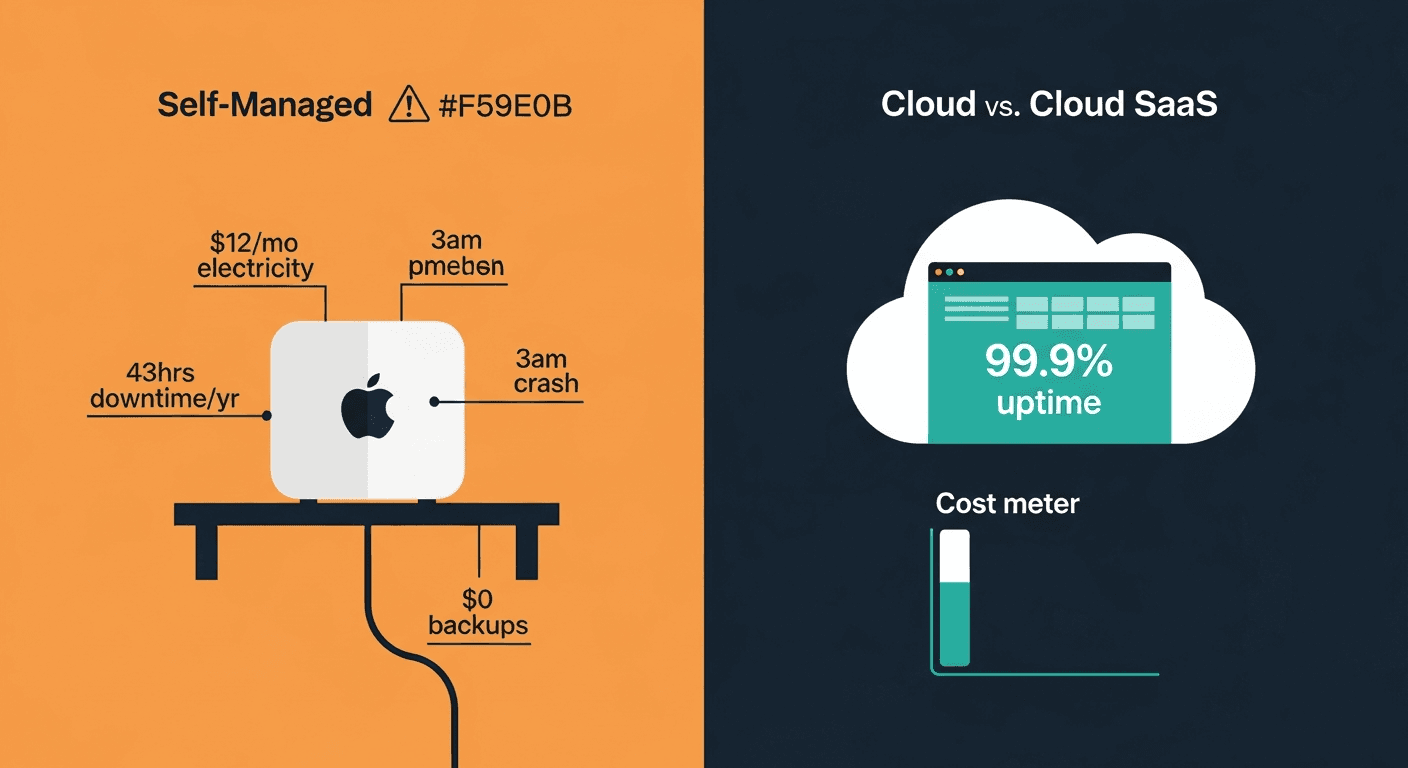
1. Electricity: $8–$15/Month Forever
A Mac Mini M2 at idle draws roughly 6–9 watts. Under moderate AI agent workload — handling conversations, running skills, making API calls — expect 15–20 watts sustained.
At the US average residential electricity rate of $0.16/kWh, 20 watts running 24/7 costs:
20W × 24h × 30 days × $0.16/kWh = ~$2.30/month
That's just the Mac Mini. Add your home router and any connected peripherals: $8–$15/month is a realistic all-in electricity cost for a continuously running openclaw mac mini setup.
Over three years, that's $288–$540 in electricity alone — enough to have paid for a year or more of managed hosting.
💡
The 'I'll turn it off when not in use' trap
OpenClaw agents only work when the machine is on. If you turn off the Mac Mini to save electricity, your agent goes offline. Most people leave it running permanently, which is where the electricity costs accumulate.
2. Your Home Internet Is Not a Data Center
Share:
Home internet uptime sounds impressive until you measure it. The realistic figure for residential broadband in the US is 99.0–99.5% uptime — not the 99.9% you see in data center SLAs.
99.5% uptime means 43.8 hours of downtime per year. That's almost two full days where your OpenClaw agent is unreachable or dead.
That includes:
ISP outages (4–8 per year, 1–6 hours each)
Power outages and brief flickers that require manual restart
Your router rebooting after a firmware update at 3am
Your IP address changing and breaking whatever tunnel or DDNS setup you had
None of this is catastrophic for a personal assistant bot. It matters a great deal for a business workflow that depends on the agent being available.
43 hrsaverage annual downtime for a home-hosted OpenClaw agentBased on 99.5% residential internet uptime — about two full days per year
3. The 3am Crash That Requires You
Here's a scenario that happens more than anyone admits.
It's 3:17am. A skill update triggered an OpenClaw restart loop. The agent has been down for four hours. Your Slack bot has been unresponsive since 11pm. A client noticed at 7am. You find out at 9am when you wake up.
You spend 45 minutes SSHing into the machine, reading logs, rolling back the skill version, and confirming it's back up. You also discover the logs rotated and you can't tell exactly what caused the crash.
On a managed platform, that incident takes zero of your time. A monitoring system catches it in minutes, restarts the container, and pages an on-call engineer if the restart doesn't resolve it.
On your Mac Mini, you are the on-call engineer. At whatever hour things break.
⚠️
On-call burden is real
If you run OpenClaw for a business use case — not just personal experiments — you are implicitly signing up for 24/7 on-call responsibility. Most people don't think of it that way until the first 3am incident.
4. Maintenance Time: The Ongoing Tax
OpenClaw updates regularly. So does macOS. So does Docker (if you're running it that way). So do your skills.
This isn't a one-time cost — it's a monthly tax on your time:
Task
Frequency
Time Required
OpenClaw version updates
Monthly
30–60 min
macOS security updates + reboot
Monthly
20–30 min
Docker/container updates
Monthly
15–30 min
SSL certificate renewal
Annually
30–60 min
Skill security review (new installs)
Per skill
15–30 min
Diagnosing/fixing unexpected downtime
2–4x/year
45–180 min
Reviewing API cost usage
Weekly
10–15 min
Conservative estimate: 2–3 hours per month. Over a year, that's 24–36 hours. At a conservative $50/hour opportunity cost, you're looking at $1,200–$1,800/year in maintenance time.
Market data confirms this isn't hypothetical. In a sample of 50 recent OpenClaw job postings, 17 were contract-to-hire roles — businesses that started with a contractor to set things up, realized maintenance is ongoing, and now want to bring someone in-house. The maintenance never ends.
5. API Cost Spirals With No Guardrails
OpenClaw's stock configuration has no built-in budget alerts. An agent running a skill loop, hitting a broken API repeatedly, or getting into a bad state can generate thousands of API calls before you notice.
The default OpenClaw setup gives you exactly one layer of protection: your bank account balance.
A skill that loops incorrectly for 8 hours overnight can generate $50–$300 in unexpected API costs depending on which model you're using. This has happened to real users. There are forum posts about it.
🚨
No guardrails by default
OpenClaw does not ship with cost alerts, per-agent budget limits, or automatic circuit breakers. These are things you need to build or configure yourself. Most people don't — until after the first expensive incident.
6. No Automated Backups
Your Mac Mini holds your entire OpenClaw configuration: agent definitions, skill settings, conversation history, credentials, custom prompts. If the SSD fails — and SSDs do fail, typically after 3–5 years of continuous write cycles — that data is gone.
macOS Time Machine is not configured by default for OpenClaw data directories. Most people don't think about this until after a data loss event.
Setting up proper automated backups — one that actually tests restores, not just writes files — takes 2–4 hours to configure correctly and requires an external drive or cloud storage subscription.
The Real Numbers: A TCO Table
Here's a side-by-side comparison for a single OpenClaw instance, first year vs. Clawfleet:
Cost Category
Mac Mini Self-Hosted
Clawfleet Managed
Hardware (amortized over 3 years)
$200/year
$0
Electricity
$96–$180/year
$0
Internet reliability buffer
(downtime cost varies)
Included
Setup time (@ $50/hr)
$200–$400
$3
Monthly maintenance (@ $50/hr)
$1,200–$1,800/year
$50/year
Incident response (@ $50/hr)
$150–$600/year
$0
Backup storage
$12–$36/year
Included
Cost monitoring/alerting
DIY or $0–$120/year
Included
Total Year 1
$1,858–$3,136
$120–$173
The subscription cost isn't even visible in that comparison. The Mac Mini "free" option costs $1,858–$3,136 in year one when you count everything honestly.
$847average annual hidden cost of Mac Mini OpenClaw hostingBefore counting your time — electricity, hardware amortization, and backup storage alone
Run the real numbers for your setup
Clawfleet starts at $1 for the first month. Compare against your current or planned self-hosted costs.
People underestimate failure modes because most of them don't happen immediately. The Mac Mini setup feels solid on day one. Problems compound over time.
The question isn't whether something will break. It's whether you'll be equipped to fix it when it does — at whatever hour it happens.
Month 1–3: Setup pain. Getting SSL working with a home IP. Configuring port forwarding. Making the agent reachable externally without exposing your home network. This phase is where most self-hosters first look for help.
Month 3–6: First skill conflicts. Skills that worked fine during setup start misbehaving after updates. OpenClaw and a skill update don't agree on an API version. You spend an evening in the logs.
Month 6–12: Accumulated drift. macOS auto-updated twice. Docker's network configuration changed. The DDNS hostname started timing out occasionally. Nothing is broken broken, but the agent is 15% less reliable than when you set it up, and you're not sure exactly why.
Year 1–2: The first real failure event. SSD filling up because nobody pruned the conversation logs. Or a power outage corrupted the Docker volume. Or macOS Sequoia dropped support for something in your setup. This is the event that causes most people to either invest significant time in hardening the setup or migrate to managed hosting.
The pattern in OpenClaw help requests is consistent. The most common ask isn't "set up OpenClaw" — it's "help me fix my existing Mac Mini OpenClaw setup." The setup is already there. Something went wrong with it.
Skip the failure modes
Every Clawfleet instance runs in an isolated container with automated health checks, version-pinned updates, and daily backups. No Mac Mini debugging at midnight.
This post isn't arguing that self-hosting OpenClaw is wrong. It's arguing that the "free" framing is wrong.
Self-hosting makes sense if:
You're a developer building on OpenClaw. Local development requires local access. The Mac Mini is a perfectly good development environment.
You have compliance requirements. On-premise data requirements that managed cloud hosting can't satisfy.
You have existing infrastructure. If you're already running a homelab with proper monitoring, backups, and UPS power protection, adding OpenClaw has near-zero marginal cost.
You genuinely enjoy operating infrastructure. Some people find this work rewarding and would spend the time anyway. That's a valid reason.
But if you're a business owner, team lead, or individual user whose goal is having a reliable AI agent — not operating infrastructure — the Mac Mini self-hosting route requires you to become a part-time infrastructure engineer whether you planned to or not.
The Migration Path Is Easier Than You Think
One concern people raise: "I've already set up my Mac Mini. Migrating would mean losing everything."
In practice, migrating an existing OpenClaw setup to Clawfleet takes about 30–60 minutes. Your skills install from their existing sources. Your agent configuration exports as a JSON file. Your conversation history is optional to migrate — most people don't bother because they're starting fresh workflows anyway.
What you're not migrating: the maintenance burden, the electricity bill, the on-call responsibility, and the configuration that slowly drifts out of working order.
The people paying for ongoing contractors at $20–$250/hour have already spent more on freelancer costs than a year of managed hosting would have cost. The sunk cost of the Mac Mini hardware is real, but it doesn't change the forward-looking cost comparison.
60 sectime to deploy a new OpenClaw instance on ClawfleetCompared to 4–8 hours for a first-time Mac Mini setup
The Honest Summary
A Mac Mini running OpenClaw costs:
$8–$15/month in electricity
2–3 hours/month in maintenance time
43+ hours/year in expected downtime from residential internet reliability
No automated backups unless you configure them
No cost alerts unless you build them
You, on call, when things break at 3am
None of these are reasons to never self-host. They are reasons to do the math honestly before committing to the "free" option.
The openclaw mac mini setup is a good combination for development and experimentation. But running it as production infrastructure for a business-critical AI agent is an infrastructure project, not a one-time setup.
If you're ready to stop being an infrastructure operator and start being an AI agent user, Clawfleet handles the rest.
Move your OpenClaw to Clawfleet
Deployed in 60 seconds. Automated backups, cost alerts, health monitoring, and zero maintenance. First month $1.