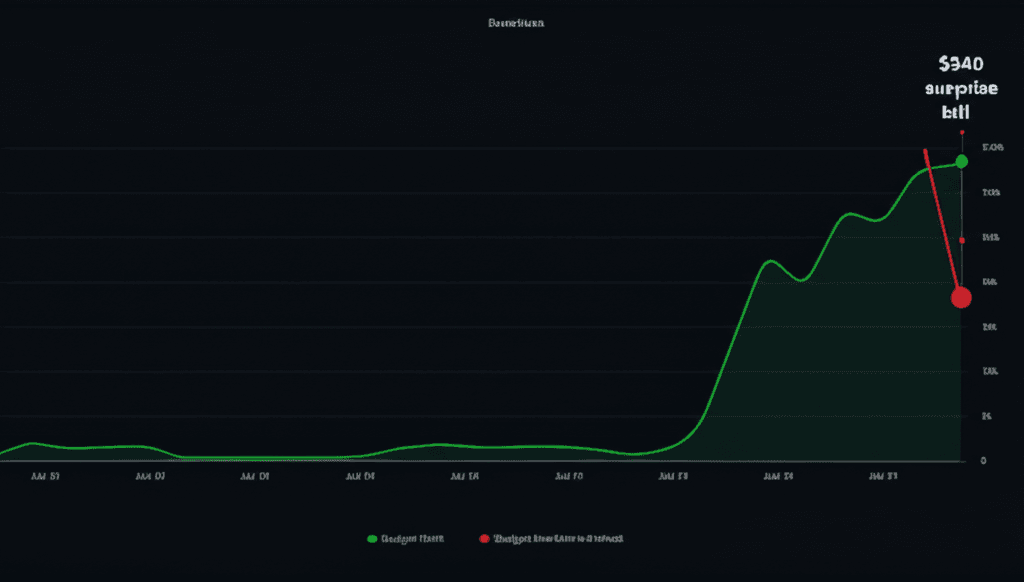
"I woke up to a $340 bill. One skill went into a loop overnight."
That's a real post from the OpenClaw Reddit community. The response thread had 47 comments, most of which were variations of: "same thing happened to me."
OpenClaw is free to download. Running it is not free. And the costs are remarkably easy to lose track of.
Why API Costs Are Hard to Predict
Unlike a SaaS subscription where you pay a fixed monthly fee, OpenClaw's costs are entirely dependent on usage. Every message processed, every skill invoked, every context window filled — it all adds up at your AI provider's per-token rate.
The problem isn't the pricing model itself. The problem is the opacity.
The three hidden cost multipliers
- Skills that loop. A poorly written skill can enter a retry loop and make hundreds of API calls before anyone notices.
- Context window explosion. Long conversations accumulate context. A 10-message thread might cost 50x more than a 1-message thread because the entire history is re-sent each time.
- No per-skill attribution. By default, OpenClaw doesn't tell you which skill is responsible for which spend. You see a total at the end of the month, not a breakdown.
The Real Numbers
One user in a Discord server I'm in documented their costs over 3 months. They were running a customer support bot for a small e-commerce store — not a high-volume operation. Their breakdown:
| Month | Total API Cost | Surprise? |
|---|---|---|
| Month 1 | $89 | Expected ~$40 |
| Month 2 | $156 | Wasn't watching |
| Month 3 | $47 | After adding manual limits |
The jump from Month 1 to Month 2 happened because they added a new skill that had a fallback loop they didn't notice. By Month 3, they'd manually configured rate limits in the API provider's dashboard.
That manual configuration took them 3 hours to figure out.
How to Track and Control Costs Manually
If you're self-hosting, here's what actually works:
Option 1: API Provider Dashboards
OpenAI, Anthropic, and Gemini all have usage dashboards. Set spending limits in the provider's console. This is the blunt-force approach — it cuts off your entire instance when the limit is hit, not just the misbehaving skill.
Option 2: Custom Logging
Wrap the OpenClaw request handler to log each API call with its skill name and token count. Store in a database or CSV. Query at the end of each day. Effective, but you're now maintaining infrastructure to monitor infrastructure.
Option 3: Loop Detection Scripts
Write a cron job that checks if any skill has made more than N API calls in the last M minutes. If yes, trigger an alert or restart the skill. This is what most serious self-hosters end up building.
The hidden cost of DIY cost management
Building and maintaining your own cost monitoring system takes meaningful time. Many users report spending 4–8 hours setting it up and 1–2 hours per month maintaining it. At even a conservative $50/hour rate, that's $200–$400/year in hidden cost on top of the API bills.
What Clawfleet's Cost Intelligence Dashboard Does
We built something different: cost tracking that just works, from day one.
When you deploy on Clawfleet, every API call is attributed to the specific skill that made it. You see:
- Real-time spend in dollars — not tokens, not API calls. Actual money.
- Per-skill cost breakdown — immediately see which skill is the expensive one.
- Budget caps with auto-pause — set a daily or monthly limit. The over-budget skill pauses automatically. Your other skills keep running.
- Loop detection — if a skill makes more than a threshold number of calls in a short window, it gets flagged and paused.
- Weekly cost reports — emailed to you every Monday, showing last week's spend by skill with trend comparison.
The user I mentioned above — the one who spent 3 hours manually configuring limits — set up their new Clawfleet instance with a $100/month cap and per-skill attribution in about 4 minutes.
Their Month 1 bill: $41.
The Bottom Line
Self-hosted OpenClaw has a cost problem that's fundamentally architectural: the costs are real-time, opaque, and per-token — but the monitoring tools aren't built in.
You can solve this yourself. Many people do. But it takes time to build, time to maintain, and it's one more thing that can break at 2am.
Or you can deploy on Clawfleet and have the cost dashboard on day one.
Never wake up to a $200 surprise again
Clawfleet's Cost Intelligence Dashboard is included on every plan.
